
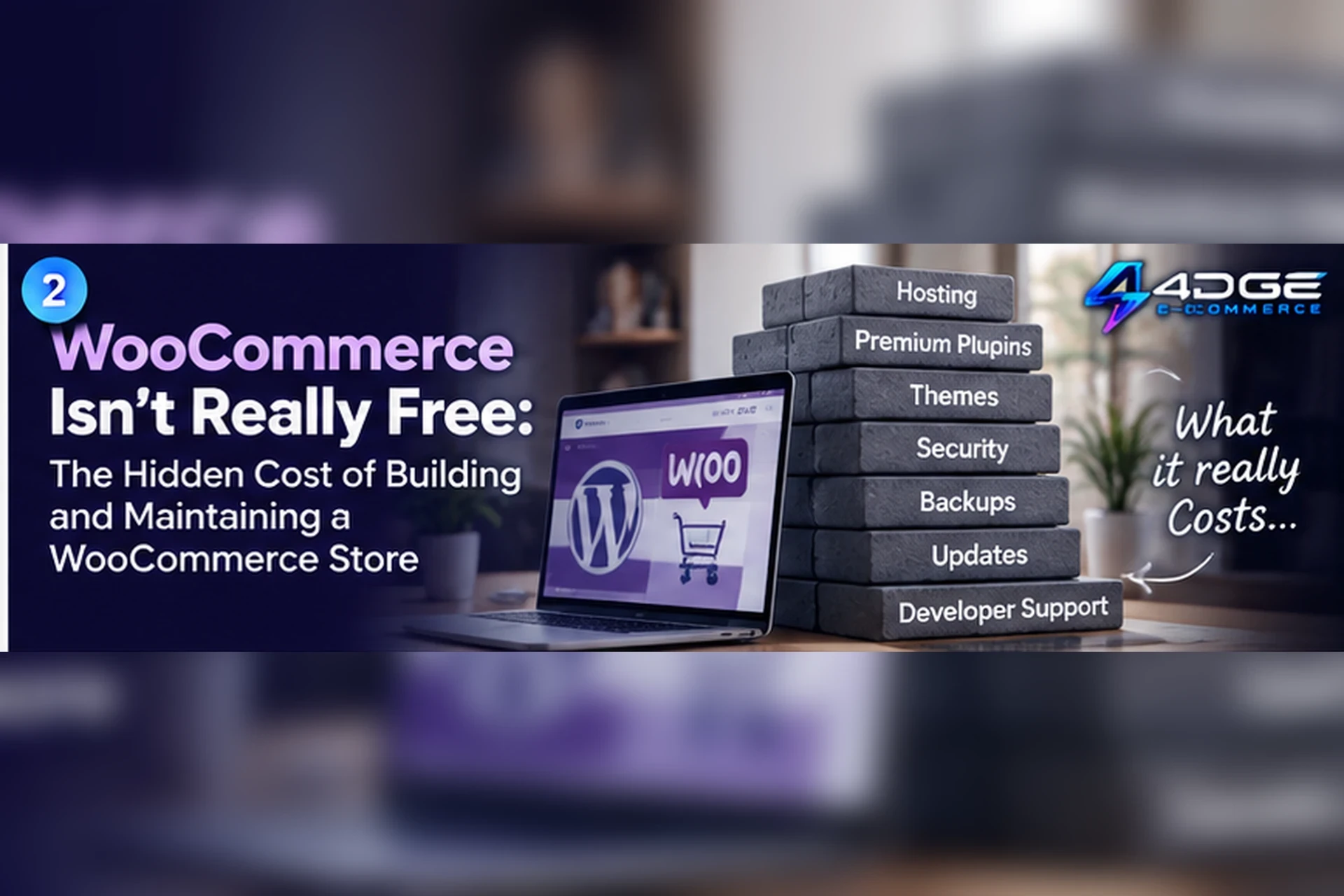
WooCommerce is a popular way to add commerce to a WordPress site, and its core software is free and open source. That fact is important: WooCommerce does not require every store to pay a mandatory platform subion. But “free software” and “no cost to run a store” are not the same thing. The total cost of ownership depends on the hosting, tools, services and time your particular business needs.
This guide is for South African businesses budgeting for a WooCommerce store. It does not assume that every shop needs paid add-ons or a developer. Instead, it lays out the costs to investigate so you can distinguish essentials from optional upgrades.
WooCommerce software versus the full store cost
The WooCommerce core plugin can be downloaded without a licence fee. The store still runs as part of a WordPress website, so a business needs to arrange its web infrastructure, domain and operational care. The official WooCommerce overview describes the product as open source; WooCommerce’s own FAQ separates payment-provider charges from WooCommerce fees. This is why it is more accurate to budget total ownership than to call WooCommerce a paid SaaS subion.
1. Hosting
A WordPress store needs hosting. Hosting plans vary by provider, performance, storage, support, backups, security tools and traffic allowances. A small catalogue with modest traffic has different needs from a store running promotions or carrying a large set of product images. Compare the hosting service’s renewal price and included resources, not only its introductory offer.
Ask what happens when traffic spikes, how backups are restored, whether staging is available, what server software is supported and who handles incidents. Cheap hosting can be a sensible start, but only if someone understands its limits and the recovery path.
2. Domain and DNS
A custom domain has a registration and renewal cost, and DNS must point to the right services. If your business already owns a domain, confirm who controls the account and how renewals are paid. A domain is a separate asset from the store platform; keep access with the business and use an account recovery address that will remain available.
Additional subdomains may be useful for email, support or staging. Those are configuration choices, not necessarily separate domain purchases, but they may require technical setup.
3. Premium themes and design work
WordPress and WooCommerce have free themes, and some businesses can launch with one. A paid theme may offer specific layouts, support or design options. It can also require annual updates or a licence renewal, depending on its terms. Check whether the theme vendor provides support, whether the theme is maintained and whether it works with the plugins you plan to use.
Design cost can include more than a theme purchase. Product photography, brand design, writing, accessibility improvements and mobile QA take time. Hiring a designer or developer may be valuable, but ask for a clear scope and make sure the business retains required source files and account access.
4. Paid plugins and extensions
WooCommerce can be extended with free and paid plugins. Paid extensions may use one-off or recurring licences, and the price can depend on the number of sites or the support term. Some tasks, such as subions, advanced shipping rules or specialised integrations, may lead a store owner to consider a paid extension. Other stores will not need those features.
Before adding a plugin, define the problem it solves. Check compatibility, updates, support, data handling, renewal terms and what happens if the licence lapses. Avoid installing overlapping tools that duplicate checkout, analytics or security functions. A smaller, maintained set of extensions is easier to troubleshoot.
5. Security, updates and backups
WordPress, WooCommerce, themes and plugins need updates. Someone must monitor security notices, apply changes, test critical storefront flows and have a way to restore a working version if an update causes a conflict. The expense may be a paid security or backup service, managed hosting, a developer retainer or staff time.
Backups are useful only when they can be restored. Confirm what is backed up, where it is stored, how long it is retained and how a recovery is tested. Consider access controls and multi-factor authentication for administrator accounts, as well as a process for removing access when a contractor leaves.
6. Maintenance and performance
Store maintenance is a recurring activity. It can include checking failed payments, testing checkout, monitoring uptime, fixing broken links, managing image sizes, reviewing plugin conflicts and keeping tax or shipping settings current. Performance work may involve image optimisation, caching, database care or a hosting change. The right effort depends on the store’s traffic, catalogue and configuration.
Performance optimisation should be measured. A faster theme is not a result unless the pages that matter improve for real visitors and the checkout still works correctly. Keep a before-and-after record for major changes.
7. Developer and specialist support
Some WooCommerce stores can be managed by a technically confident owner; others need support for setup, custom code, integrations or a migration. Developer time is not automatically waste: it may reduce risk or unlock a needed workflow. It should, however, be budgeted as a service with clear deliverables, handover notes and access ownership.
Agree who is responsible when a payment gateway, shipping service or plugin vendor is involved. A platform issue and a third-party extension issue may have different support routes, which affects how quickly a problem is diagnosed.
8. Payment-provider costs
A gateway or acquirer may charge transaction, settlement, refund or dispute fees according to its own terms. These costs are separate from WooCommerce core. Compare methods that your customers actually use, eligibility requirements, settlement timing and how refunds are handled. Do not assume that a gateway’s advertised rate captures every relevant charge.
9. Time is part of the budget
Self-hosting can trade subion fees for responsibility. Time spent comparing extensions, updating the site, investigating an order issue or coordinating several providers has an opportunity cost. If the owner is doing that work, record the hours during a month. If an employee handles it, consider whether those hours compete with customer service or sales activity.
10. Budgeting without guessing
Make a simple annual worksheet with separate rows for hosting, domain renewal, theme or design, extension licences, payment processing, security and backups, maintenance and specialist support. Mark each line as required now, optional later or unknown. For each estimate, note the vendor, billing period, renewal date and whether tax applies. Use the current vendor quote for your chosen plan rather than a broad online average.
Then create two scenarios: a lean launch and a higher-support setup. The lean version might use a free theme and a small number of extensions, while the second includes paid help or tools the business has already identified. Do not assume every store needs the same line items. The purpose is to make trade-offs visible.
Hosted SaaS as another operating model
A hosted SaaS platform bundles some infrastructure and store administration into a recurring plan. That can reduce the number of services an owner needs to procure and maintain, though the plan still has limits and does not remove all business costs. A self-hosted WooCommerce store offers control and flexibility but leaves the merchant responsible for coordinating hosting and extensions.
For comparison, 4DGE’s public tiers are Launch at R149/month or R1,490/year, Grow at R249/month or R2,490/year, Business at R399/month or R3,990/year and Pro at R499/month or R4,990/year. All plans include 0% platform commission and custom domain support. Launch Monthly offers a 14-day trial with R0 due today, no payment details required and no automatic paid conversion. Payment-provider charges for a merchant’s own store remain a separate consideration. Review 4DGE plans for current terms and compare what is included with the responsibilities you would retain under self-hosting.
Conclusion
WooCommerce core being free and open source is a genuine advantage, not a reason to ignore the rest of the operating budget. Hosting, domains, optional paid extensions, maintenance, payment processing and owner time may all matter, but their cost depends on your implementation. List the services you need, verify current prices with each provider and choose the model that fits your skills, budget and desired level of control.
Want to compare a hosted option? Use 4DGE’s plan comparison as one reference point, then assess the complete cost and workflow for your own store.


Sign In to Comment
Don't have an account Sign up